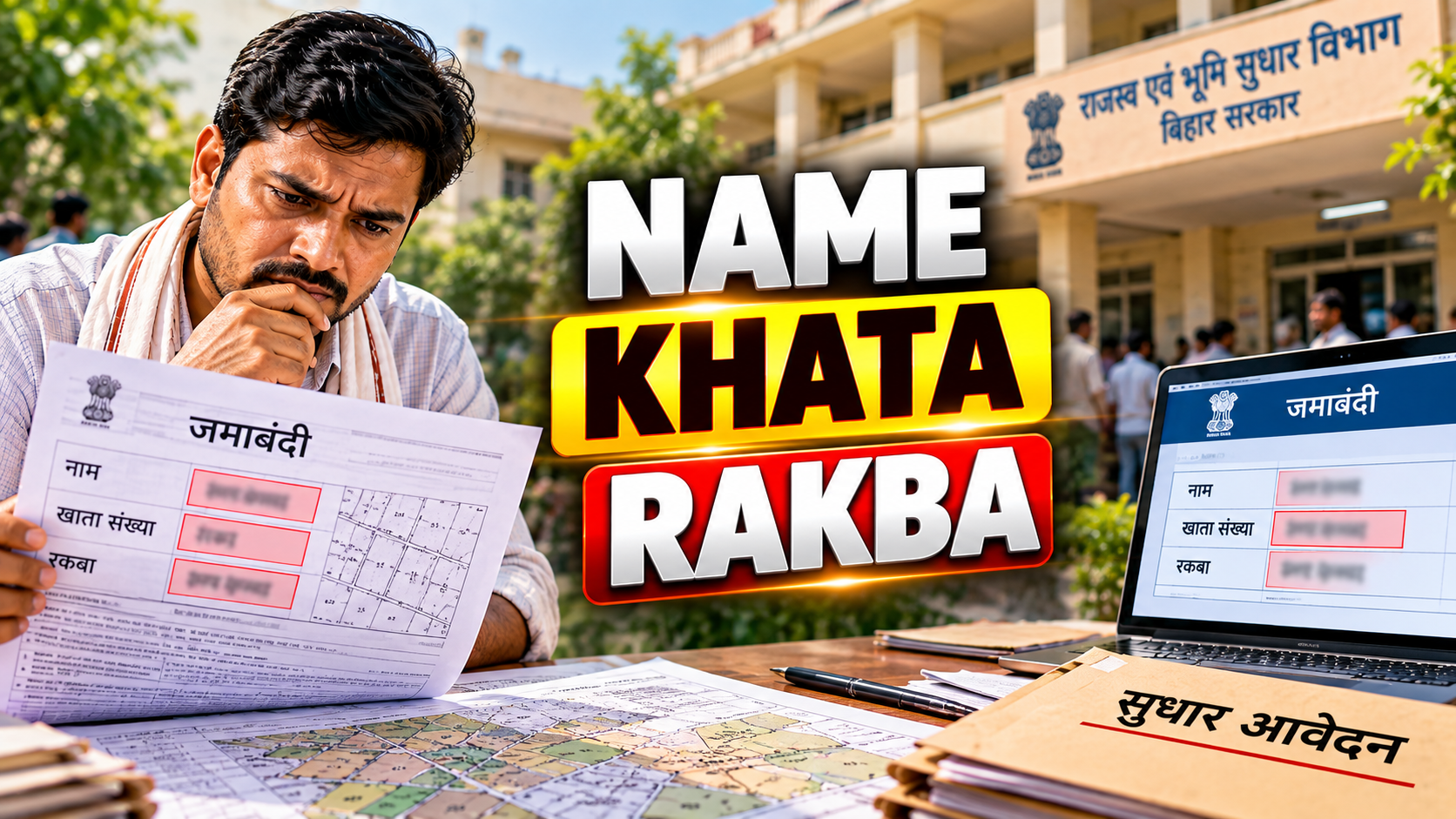
If you have checked your land record online and found that your name, father's name, khata number, khesra number, or rakba does not match your actual documents, you are not alone. Many landowners in Bihar have discovered such mismatches after their old Jamabandi was digitized. The good news is that the Bihar Revenue and Land Reforms Department has a dedicated online facility, Parimarjan Plus, to apply for correction of such errors. This article explains, in plain language, how the process works, what you need to keep ready, and where correction ends and a separate process called mutation begins.
Table of Contents
- What Is a Digitized Jamabandi?
- Common Errors Found After Digitization
- Correcting Name, Father's Name, or Address
- Correcting Khata or Khesra Details
- Correcting Rakba or Land Area
- What Is Parimarjan Plus?
- Documents and Evidence to Keep Ready
- Step-by-Step Application Process
- Tracking Your Application Status
- What Verification Means
- Reverted or Defective Applications
- Correction vs Mutation
- If Your Jamabandi Is Not Available Online
- Common Mistakes to Avoid
- Frequently Asked Questions
What Is a Digitized Jamabandi?
A Jamabandi is the revenue record that shows a raiyat's (landholder's) recorded rights over a piece of land, along with details such as khata number, khesra number, rakba (area), and lagan (land revenue). Bihar's older Jamabandi registers were maintained in physical form at the Anchal (circle) office. Over time, these registers have been digitized and made available online through BiharBhumi so that landowners can view their records without visiting the office in person.
Digitization is a manual, large-scale exercise involving thousands of handwritten entries. Given the scale of this work, it is not unusual for errors to creep in during data entry — a misspelled name, a transposed digit in a khata number, or a rakba figure that does not match the original register.
Common Errors Found After Digitization
According to the Bihar Revenue and Land Reforms Department, the kinds of errors that can appear in a digitized Jamabandi include mistakes in the raiyat's name, father's name, address, khata, khesra, boundary or chauhaddi, rakba, total area, and lagan. These are essentially transcription-related discrepancies between the original physical Jamabandi and its digital counterpart, rather than disputes over ownership itself.
Illustrative example: Suppose a landowner named Rajendra Singh finds his name recorded as "Rajendra Sinha" in the online record. This is a straightforward digitization error, distinct from a situation where someone else's name appears because of an actual ownership dispute.
Correcting Name, Father's Name, or Address
When the raiyat's name, father's name, or address has been entered incorrectly during digitization, this falls squarely within the kind of error Parimarjan Plus is meant to address. The applicant needs to identify exactly which field is wrong — for instance, whether it is the spelling of the name, the father's name, or the address — and propose the correct version supported by relevant documentary evidence.
Illustrative example: A father's name recorded as "Mohan Prasad" instead of "Mahesh Prasad" is a common type of transcription error that a landowner may notice only after checking the online copy closely.
Correcting Khata or Khesra Details
Khata and khesra numbers are the backbone of how a specific plot is identified in revenue records. If the khata or khesra number shown online does not match the number in the original Jamabandi copy or in other land records held by the raiyat, this mismatch can be flagged for correction.
Illustrative example: A buyer reviewing a seller's land papers before a purchase may notice that the khata number in the digitized Jamabandi differs from the khata number mentioned in the sale deed or the old record. Such a discrepancy is worth resolving before proceeding further, since accurate khata and khesra details matter for any future revenue transaction.
Correcting Rakba or Land Area
Rakba refers to the recorded area of the land. An incorrect rakba figure in the digitized Jamabandi — say, an area recorded in the wrong unit or with a misplaced decimal — can be corrected if the applicant can demonstrate what the accurate figure should be, based on the original Jamabandi or other authoritative land records.
Illustrative example: If the original register shows an area of 0.10 acre but the digitized version shows 0.01 acre, this kind of numerical slip is exactly the type of error the correction facility is intended to fix.
What Is Parimarjan Plus?
Parimarjan Plus is the online correction facility introduced by the Bihar Revenue and Land Reforms Department to let raiyats apply for rectification of errors found in the digitized Jamabandi. It is accessible at parimarjanplus.bihar.gov.in, and is linked to the broader BiharBhumi ecosystem, which can be accessed at biharbhumi.bihar.gov.in. The department's main portal, land.bihar.gov.in, provides further information about land record services in the state.
The facility is meant specifically for correcting entries that were wrongly digitized from the original register — not for creating new rights or transferring ownership. Any correction applied for through this system is subject to verification by the concerned revenue official before it is approved.
Documents and Evidence to Keep Ready
Before starting an application, it helps to gather documents that support the correction you are requesting. Since the exact evidentiary requirement can depend on the nature of the error and the assessment of the revenue official handling your case, treat the following as a general starting point rather than an exhaustive checklist:
- A copy of the old physical Jamabandi, if available, as this is the original source record against which the digitized entry is checked.
- Identity documents that support the correct spelling of the name or father's name.
- Any land ownership documents, such as sale deeds or earlier revenue receipts, that show the correct khata, khesra, or rakba.
- Address proof, where the correction concerns the recorded address.
- Any earlier lagan (land revenue) receipts that reflect the correct details.
Keep in mind that the evidence you submit should directly relate to the specific field you are asking to correct. Uploading unrelated documents, or documents that do not clearly support your claim, can slow down verification or lead to the application being sent back.
Step-by-Step Application Process
While the exact screens and options on the Parimarjan Plus portal may be updated from time to time, the general sequence of steps for applying is as follows:
- Visit the portal: Go to the official Parimarjan Plus website and look for the option related to correction of digitized Jamabandi.
- Register or log in: First-time applicants typically need to register using basic details such as mobile number, after which login credentials can be used for the application and for tracking it later.
- Select the correct application category: The portal usually offers more than one type of correction request. Choose the option that matches your situation — for example, correction related to an old digitized Jamabandi, as opposed to any other unrelated service listed on the portal. If you are unsure which option applies to your specific error, it is worth checking the portal's guidance or visiting the Anchal office to confirm before submitting.
- Locate your Jamabandi: Enter details such as district, circle (anchal), halka, mauza (village), and Jamabandi or khata number to pull up your existing digitized record.
- Identify the field with the error: Once your record appears, select specifically which field is wrong — name, father's name, address, khata, khesra, boundary, rakba, or lagan.
- Enter the proposed correction: Type the correct value carefully. This is the point where accuracy matters most, since an error introduced at this stage can create a fresh mismatch.
- Upload supporting evidence: Attach scanned copies of the documents that substantiate your requested correction.
- Review before submitting: Go through every field once more. Since revenue officials will assess your request against what you have entered and what you have uploaded, any inconsistency between the two can create avoidable delay.
- Submit and note the application number: After submission, the system generates an application number. Save this number carefully, as it is the reference you will need for tracking your application status later.
Tracking Your Application Status
Once you have submitted your application, the Parimarjan Plus portal generally provides a way to check the current status using your application number or login credentials. Checking status periodically helps you know whether your application is under review, has been sent for verification, has been approved, or has been reverted for some clarification. Since portal-specific navigation can change over time, it is a good idea to check the exact status-tracking option currently shown on the official Parimarjan Plus site.
What Verification Means
Any correction applied for through Parimarjan Plus is not approved automatically. It goes through verification by the competent revenue authority — typically involving the Circle Officer or other revenue officials at the Anchal office — who examine the application, the supporting evidence, and the original Jamabandi record before deciding whether the correction should be recorded. This verification step exists precisely because revenue records carry legal significance, and any change needs to be checked against the original source rather than accepted purely on the applicant's word.
Reverted or Defective Applications
Sometimes an application is reverted or marked defective. This usually happens when the revenue official reviewing the case finds that the evidence submitted does not clearly support the correction requested, that some required detail is missing, or that further clarification is needed. If this happens to your application:
- Read the remarks or reason mentioned against your application carefully, since it usually indicates what needs to be fixed.
- Gather the additional document or clarification specifically asked for, rather than resubmitting the same evidence again.
- Reapply or resubmit through the portal as per the option provided, keeping your original application number for reference.
- If the online remarks are not clear, it is reasonable to visit or contact the concerned Anchal office for clarification on what exactly is required.
A reverted application is not necessarily a rejection of your claim — it often simply means the revenue official needs more clarity before verification can proceed.
Correction vs Mutation: Why the Distinction Matters
This is one of the most misunderstood aspects of Bihar's land record system. Parimarjan Plus exists to correct errors and omissions that occurred while digitizing the old Jamabandi — it is not the process for recording a change in ownership. When land changes hands through sale, inheritance, gift, or any other legally recognized transaction, the relevant process is mutation, commonly known as दाखिल-खारिज (dakhil-kharij), which is handled separately, including through Bihar's online mutation system.
If your actual concern is that a property has changed ownership and this needs to be reflected in the revenue record, applying through Parimarjan Plus is not the appropriate route — you would need to pursue mutation instead. Using the wrong process for your situation can waste time, so it helps to be clear about which category your issue falls into before you apply.
| Issue | Appropriate Route | Key Point |
|---|---|---|
| Wrong name/khata/rakba due to digitization error | Parimarjan Plus | Corrects existing record; no ownership change |
| Change of ownership by sale, gift, or inheritance | Mutation (dakhil-kharij) | Records new transaction-based rights |
| Buyer finds seller's Jamabandi has khata mismatch | Correction first, then mutation | Fix the record before the transaction is processed |
Not every land-record disagreement can be resolved through Parimarjan Plus. Where a matter involves a genuine ownership dispute, a boundary conflict between parties, or a question that requires adjudication rather than a straightforward record correction, the appropriate forum may be different, and it would be advisable to seek guidance from the concerned revenue office rather than assuming the online correction facility can settle it.
If Your Jamabandi Is Not Available Online
Occasionally, a landowner may search BiharBhumi and find that their Jamabandi does not appear online at all, rather than appearing with an error. This is a different situation from a digitized-but-incorrect entry, since it may mean the record has not been digitized yet, or that the search details entered do not match how the record was indexed. In such cases, it is advisable to verify the correct district, circle, halka, and mauza details first, and if the record still cannot be located, to approach the concerned Anchal office directly for guidance on the status of that particular Jamabandi.
Common Mistakes to Avoid
- Applying for correction without first checking the original physical Jamabandi copy, if one is available, to confirm what the correct entry should actually be.
- Submitting evidence that does not clearly and directly relate to the specific field being corrected.
- Choosing the wrong application category on the portal without checking which option matches an old digitized Jamabandi correction.
- Not saving the application number after submission, which makes tracking status difficult later.
- Assuming that a correction application will also handle a change of ownership, when that requires mutation instead.
- Ignoring the remarks on a reverted application and resubmitting identical information without addressing what was actually asked for.
Frequently Asked Questions
Can I correct a wrong name in an online Jamabandi?
Yes. If your name or father's name has been entered incorrectly during digitization, you can apply for correction through Parimarjan Plus by submitting supporting documentary evidence that shows the correct name.
How can I correct a wrong khata number?
You can apply through Parimarjan Plus, selecting the field related to khata, and provide the correct khata number along with documents such as the original Jamabandi copy or other land records that confirm the correct number.
How can I correct incorrect rakba?
Incorrect rakba (area) can be corrected by applying through Parimarjan Plus and submitting evidence, such as the original register entry, that supports the accurate area figure you are proposing.
What is Parimarjan Plus?
Parimarjan Plus is the Bihar Revenue and Land Reforms Department's online facility for applying to correct errors found in a digitized Jamabandi, such as mistakes in name, khata, khesra, boundary, or rakba.
Which Parimarjan Plus option should I choose for an old Jamabandi?
You should choose the option specifically meant for correction of an old digitized Jamabandi rather than any unrelated service listed on the portal. If you are uncertain, checking the portal's own guidance or confirming with the Anchal office can help you select correctly.
Can I correct a Jamabandi error before applying for mutation?
Yes, and in many cases it is advisable to do so. If a buyer or raiyat notices a khata, khesra, or rakba mismatch in a Jamabandi, resolving that correction first can make a later mutation application smoother.
How can I track a Parimarjan Plus application?
You can generally track your application status on the Parimarjan Plus portal using your application number or login credentials, which is why saving your application number after submission is important.
What happens if my correction application is reverted?
A reverted or defective application usually means the revenue official needs additional evidence or clarification. Review the remarks provided, gather the specific document requested, and resubmit accordingly.
What if my Jamabandi is not available online?
This may indicate the record has not yet been digitized or that your search details do not match the indexing. Verify your district, circle, halka, and mauza details, and contact the concerned Anchal office if the record still cannot be found.
Is Jamabandi correction the same as mutation?
No. Correction through Parimarjan Plus fixes errors that occurred during digitization of an existing Jamabandi. Mutation (dakhil-kharij) is the separate process for recording ownership changes arising from sale, inheritance, or other transactions.
Conclusion
Errors in a digitized Jamabandi are common enough that Bihar's Revenue and Land Reforms Department built a dedicated correction facility for them. Whether your issue is a misspelled name, a mismatched khata or khesra number, or an incorrect rakba figure, Parimarjan Plus provides a structured way to apply for rectification, backed by verification from revenue officials. The key is to be precise about which field is wrong, back your request with evidence that directly supports it, and understand that this process is for correcting the record — not for recording a change of ownership, which falls under mutation instead. When your situation is unclear, checking directly with the concerned Anchal office or the official Parimarjan Plus and BiharBhumi portals remains the most reliable way forward.