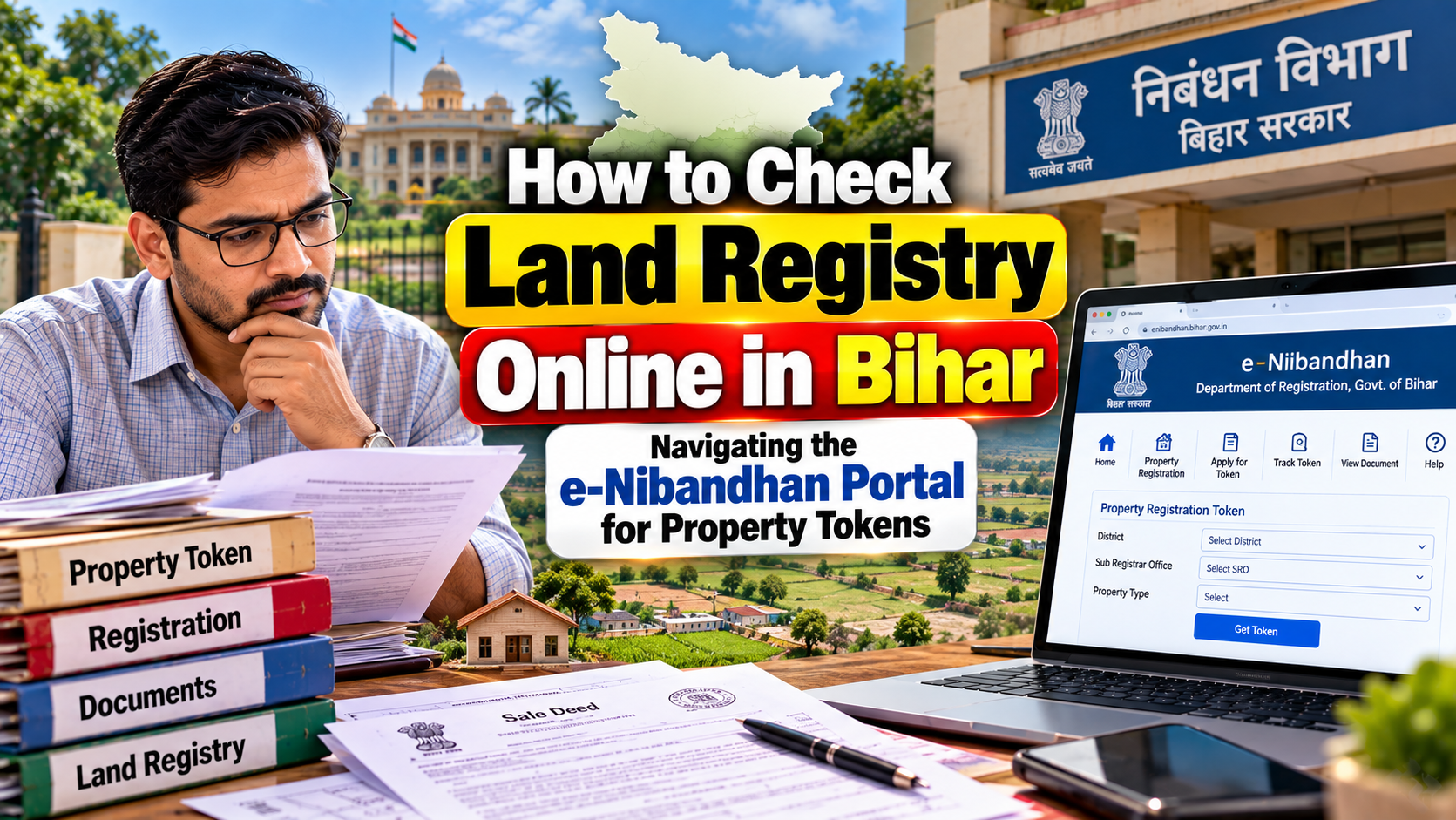
Searching for land registry online Bihar services often leaves people confused, because three different government portals handle three different kinds of information. This guide explains which portal to use, what a property token means, how to check registration status, and how to find a registered document without mixing up registration records and land records.
Table of Contents
- What Is Online Land Registry in Bihar?
- Which Bihar Portal Should You Use?
- What Is a Property Registration Token?
- How to Check a Property Token or Registration Status Online
- How to Search Bihar Land Registration Records Online
- How to Get a Certified Copy
- What Information Do You Need?
- Bhumijankari vs e-Nibandhan vs Bihar Bhumi
- Common Problems
- Important Tips
- Frequently Asked Questions
- Conclusion
What Is Online Land Registry in Bihar?
When people say "land registry," they usually mean one of two things. Some want the registered document itself, such as a sale deed or gift deed. Others want revenue records, such as who holds the land in government books.
These are separate. A registered document is created at a registration office when a transaction is formally recorded. It falls under the Prohibition, Excise and Registration Department, commonly called the Registration Department Bihar.
Revenue records show land details like khata number, plot number, mauja and circle. They are maintained by the Revenue and Land Reforms Department. Jamabandi and mutation (दाखिल-खारिज) belong here.
So a Bihar land registry search really means choosing the right system for your question. Are you checking a deed, or checking who is recorded as the landholder? The answer decides your portal.
Which Bihar Portal Should You Use?
Bihar has three main online systems relevant to property. Each has its own job.
e-Nibandhan for Registration-Related Services
The e-Nibandhan portal is the Registration Department's official platform. It covers registration-related services, including the certified-copy module for registered documents.
The state's official service ecosystem also includes land and flat registration slot booking, Minimum Value Register (MVR) lookups, e-payment, cancellation of booked registration slots, and encumbrance-related services. Menu names can change, so check what the portal currently offers.
Bhumijankari for Registered Property Information
The Bhumijankari portal has long been used to look up registered-document data. There is an important date limit. Its official notice states that registered-document data is available there only up to 15 December 2024.
The same portal states that information on documents registered from 16 December 2024 onward is accessible through the certified-copy module of e-Nibandhan. If your transaction is recent, start with e-Nibandhan.
Bihar Bhumi for Jamabandi and Mutation
Bihar Bhumi is the revenue-side system. It is where people typically look for Jamabandi details and mutation status.
It does not replace a registered deed. A deed records a transaction. Mutation updates the revenue records afterwards, and the two are handled by different departments.
What Is a Property Registration Token?
A token is a reference number connected to a step in the registration process. In many registration systems, it relates to booking an appointment or slot at a sub-registrar office or district registration office. You may hear people say token number, token status, appointment slot or registration slot, and they often mean related things.
Here is the key point. A token is not proof that your property has been registered.
Think of three separate stages:
- Token or appointment reference: shows a slot or process has been initiated.
- Pending registration: the document is still moving through the process, including presentation, verification and payment.
- Registered document: the registration is complete, and the document carries registration details such as a deed number and registration date.
Suppose you booked a slot for a sale deed. Having the token means you have a booking. It does not mean the deed was executed, accepted and registered. Only the completed registration confirms that.
Registration also usually involves stamp duty and a registration fee, paid through e-payment. The payment reference, often a GRN or e-challan, is a payment record. It is not the registration itself either.
How to Check a Property Token or Registration Status Online
Portal menus get redesigned, and I cannot verify every current label. So treat the steps below as a general path and follow the wording you actually see on screen.
Step 1: Open the Official Bihar Government Portal
Go to the official e-Nibandhan address, enibandhan.bihar.gov.in. Government sites in Bihar end in "bihar.gov.in." Be careful with look-alike sites, especially ones that ask for payment to "check status."
Step 2: Select the Relevant Registration Service
Look for the section matching your need. If you booked a land or flat registration slot, look for slot or appointment-related services. If you want a completed document, look for the certified-copy module. You may need to log in or create an account, depending on the service.
Step 3: Enter the Available Token or Registration Details
Enter the details the service asks for. This could be a token or application number, or document details such as the registration office, registration date, deed number or party name. If you paid stamp duty, keep your payment reference handy.
Step 4: Review the Status
Read the status carefully. Does it show a booked slot, a pending process, or a completed registration? Do not assume the last one unless the record clearly says so. Check names, property details and dates against your papers.
Step 5: Save the Relevant Reference or Document Details
Note the token, application reference, deed number, serial number and registration date. Save any confirmation or receipt the portal provides. These details help if you need to approach the registration office later.
How to Search Bihar Land Registration Records Online
Finding a registered document works best when you know several details. The more you have, the easier a Bihar registered document search becomes.
Useful search details include:
- Registration office: the sub-registrar office or district registration office where the deed was registered.
- Registration date: the year alone may not be enough for a precise match.
- Deed number and serial number: printed on the registered document.
- Party name: buyer or seller. Spellings vary, so try alternatives.
- Property details: khata number, plot number, mauja and circle, where the service uses them.
Not every search screen asks for all of these. Some rely on document numbers, others on party details. Use whichever fields the service offers.
For older records, remember the date split. Documents up to 15 December 2024 are covered by Bhumijankari, according to its official notice. Later ones go through the e-Nibandhan certified-copy module.
How to Get a Certified Copy of a Registered Property Document
A certified copy is an official copy of a document held in the registration records. People often need one when the original deed is lost, or when a bank, court or buyer asks for a verified copy.
The Bhumijankari portal notes that the certified copy is available on the e-Nibandhan website. Start there. Log in if the service requires it, open the certified-copy module, and provide the document details requested.
I am deliberately not listing fees, processing times or document requirements. These can change, and only the portal or the registration office can confirm them. If you are unsure, call or visit the relevant registration office and ask what they need.
A certified copy shows what was registered. It does not, by itself, settle every question about ownership.
What Information Do You Need for a Property Search?
Keep this checklist ready before you log in:
- Token or application number, if you booked a slot
- Registration office name
- Approximate or exact registration date
- Deed number and serial number
- Names of the parties, with spelling variations
- Type of document: sale deed, gift deed or agreement
- Khata number, plot number, mauja and circle
- Payment reference such as GRN or e-challan
If you only have partial details, start with what you have and add more only if the search allows it.
Bhumijankari vs e-Nibandhan vs Bihar Bhumi
| Portal | Main purpose | Typical use |
|---|---|---|
| e-Nibandhan | Registration services | Slots, MVR, e-payment, certified copies |
| Bhumijankari | Registered-document data | Records up to 15 December 2024 |
| Bihar Bhumi | Revenue land records | Jamabandi, mutation status |
If your question is about a deed, use e-Nibandhan or Bhumijankari depending on the date. If it is about the revenue entry, use Bihar Bhumi.
Common Problems When Checking Land Registry Online
Old records not appearing
Older data may sit on one portal while newer data sits on another. Check the date split before assuming a record is missing.
Newer records handled elsewhere
If your deed was registered after 15 December 2024, Bhumijankari will not be the place to find it. Use the e-Nibandhan certified-copy module.
Wrong deed or token details
One wrong digit can return nothing. Recheck the number against your paper copy, receipt or the registration office's records.
Spelling variations
Names may be written differently in Hindi and English, or with initials. Try alternate spellings, including the spelling used in the deed.
Incomplete search details
Missing the office, date or deed number can make a search fail. Gather all documents before you begin.
Portal downtime
Government portals sometimes slow down or go offline. Try again later, use a different browser, or check for notices on the portal itself.
Confusing registration with mutation
A registered deed does not automatically update the revenue record. Mutation is a separate process. If your Jamabandi still shows the old owner, check mutation status on the revenue side.
Important Tips Before Relying on an Online Property Record
An online record is a helpful starting point. It is not a full title check.
- Cross-check: compare the online details with the original deed and receipts.
- Check both sides: review the registration record and the revenue record. They answer different questions.
- Verify the stage: confirm whether you are looking at a token, a pending process or a completed registration.
- Look at encumbrances: the state's service ecosystem includes encumbrance-related services. Ask what applies to your case.
- Use official sites only: avoid agents or websites that promise instant results for a fee.
- Get professional help for big deals: for a major purchase, a qualified property lawyer can review the documents. I am not offering legal advice here.
Never rely on a screenshot or forwarded message as proof. Go to the source.
Frequently Asked Questions
Can I check Bihar land registration online?
Yes, to a large extent. Registered-document information is available through the state's official portals. Which one you use depends on the registration date.
What is a registration token in Bihar?
It is a reference linked to a step in the registration process, often a booked slot or appointment. It is not proof of completed registration.
Can I check a Bihar property using a token number?
You may be able to check the status of a booking or application with a token on the relevant e-Nibandhan service. The result tells you about the process, not necessarily about ownership.
Is Bhumijankari the same as e-Nibandhan?
No. e-Nibandhan is the Registration Department's platform. Bhumijankari carries registered-document data only up to 15 December 2024, according to its official notice.
Where can I find newer Bihar registered documents?
Per the Bhumijankari notice, documents registered from 16 December 2024 onward are accessible through the certified-copy module of e-Nibandhan.
Can I obtain a certified copy online?
The official portal points users to e-Nibandhan for certified copies. Check the site for current requirements and charges.
Is Jamabandi the same as a registered sale deed?
No. A sale deed is a registered transaction document. Jamabandi is a revenue record kept by the land revenue system.
What should I do if my property record is not appearing online?
Recheck the details and spelling, confirm the registration date, and try the correct portal for that period. If it still does not appear, contact the registration office where the document was registered.
Conclusion
To check land registry online in Bihar, first decide what you need. For a registered deed or certified copy, use e-Nibandhan, especially for documents registered from 16 December 2024. For older registered-document data, Bhumijankari covers records up to 15 December 2024. For Jamabandi and mutation, use Bihar Bhumi.
Keep the stages apart: a token is not a completed registration, and a registered deed is not the same as an updated revenue record. Verify details against your original papers, and go to the registration office when the portal cannot answer.